
Local domains
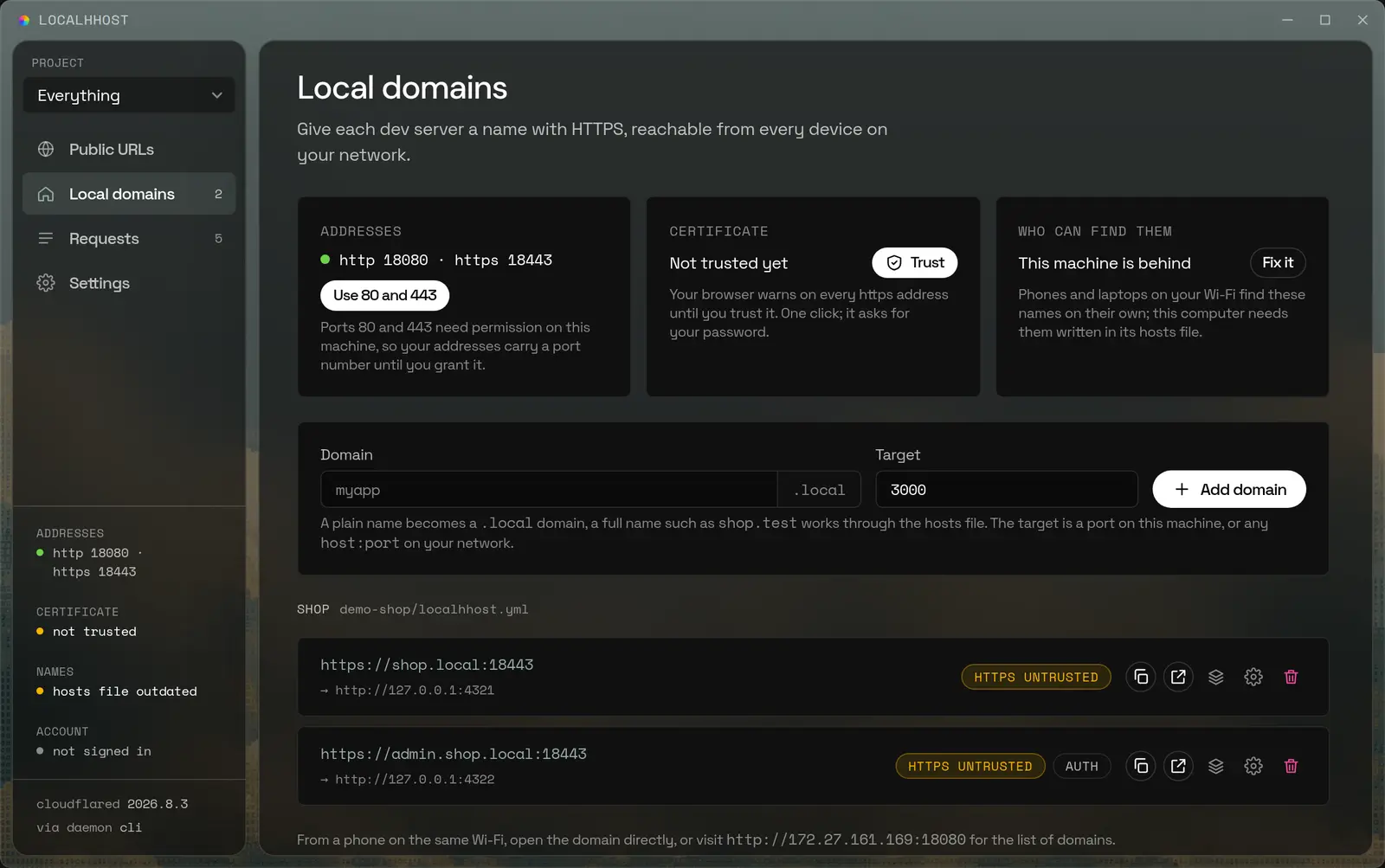
localhhost domain add shop 3000shop.local answers over HTTPS, from this laptop and from the phone next to it. A certificate authority made on your machine signs it, so the padlock is green and nobody else ever issued anything.
Give your dev server a real address. Localhhost brings local HTTPS, shareable public URLs, and a clear view of every request into one desktop app. Keep building. Let the right people in.
At home with the tools you already build with.
A webhook that fired once at three in the morning is still there, with the body it sent and the status you returned. Pick a row to read it, press Enter to send it again, and stop reconstructing the story from a log line.
Headers and bodies, request and response
Explore the inspector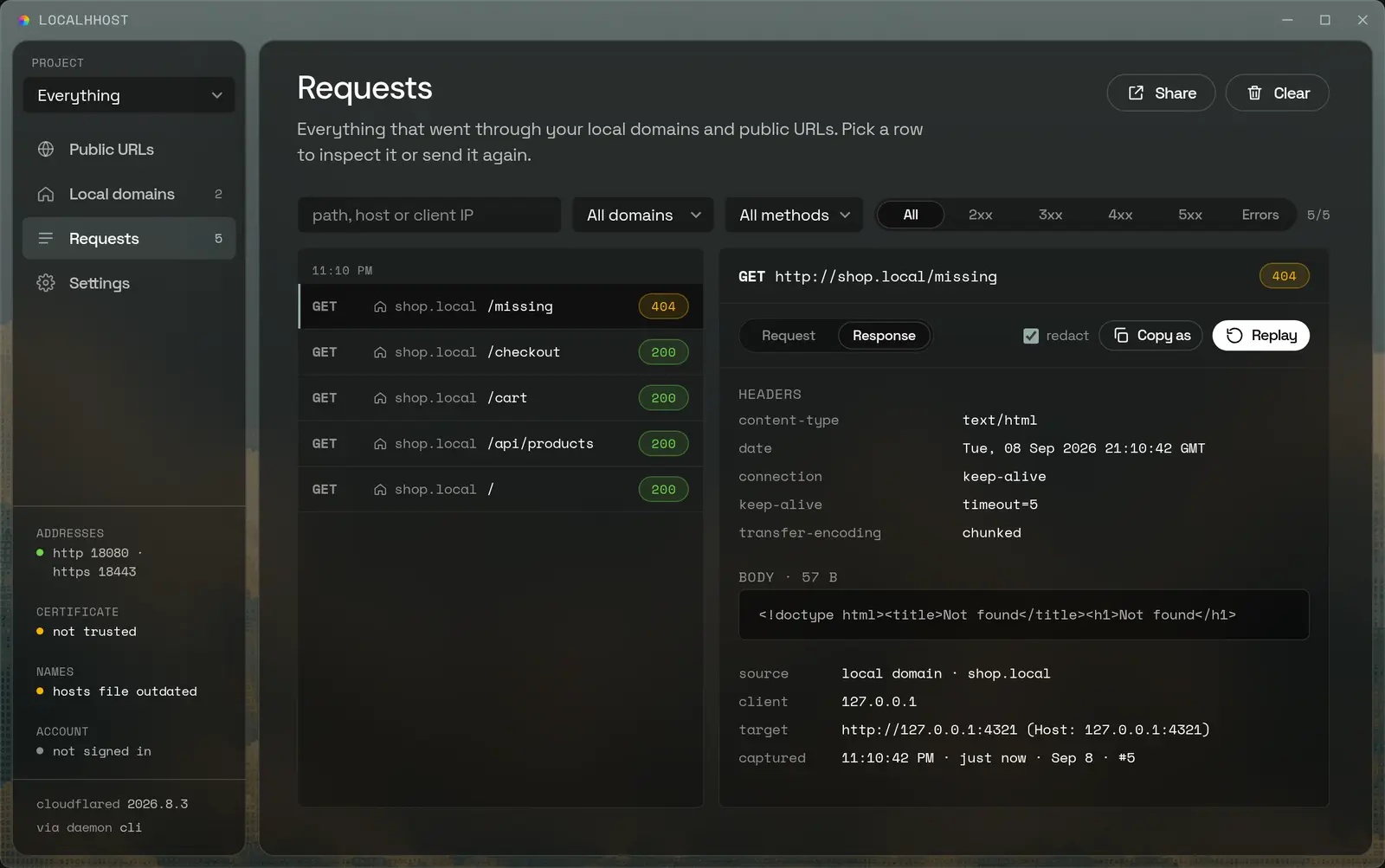
Group the domains and URLs of one project and everything narrows to it — what it holds, what is live, what it has served. The project lends its rules to all of it, so a password is set once instead of on every endpoint.
A repository can describe its own, in a localhhost.yml it carries
Bring your projects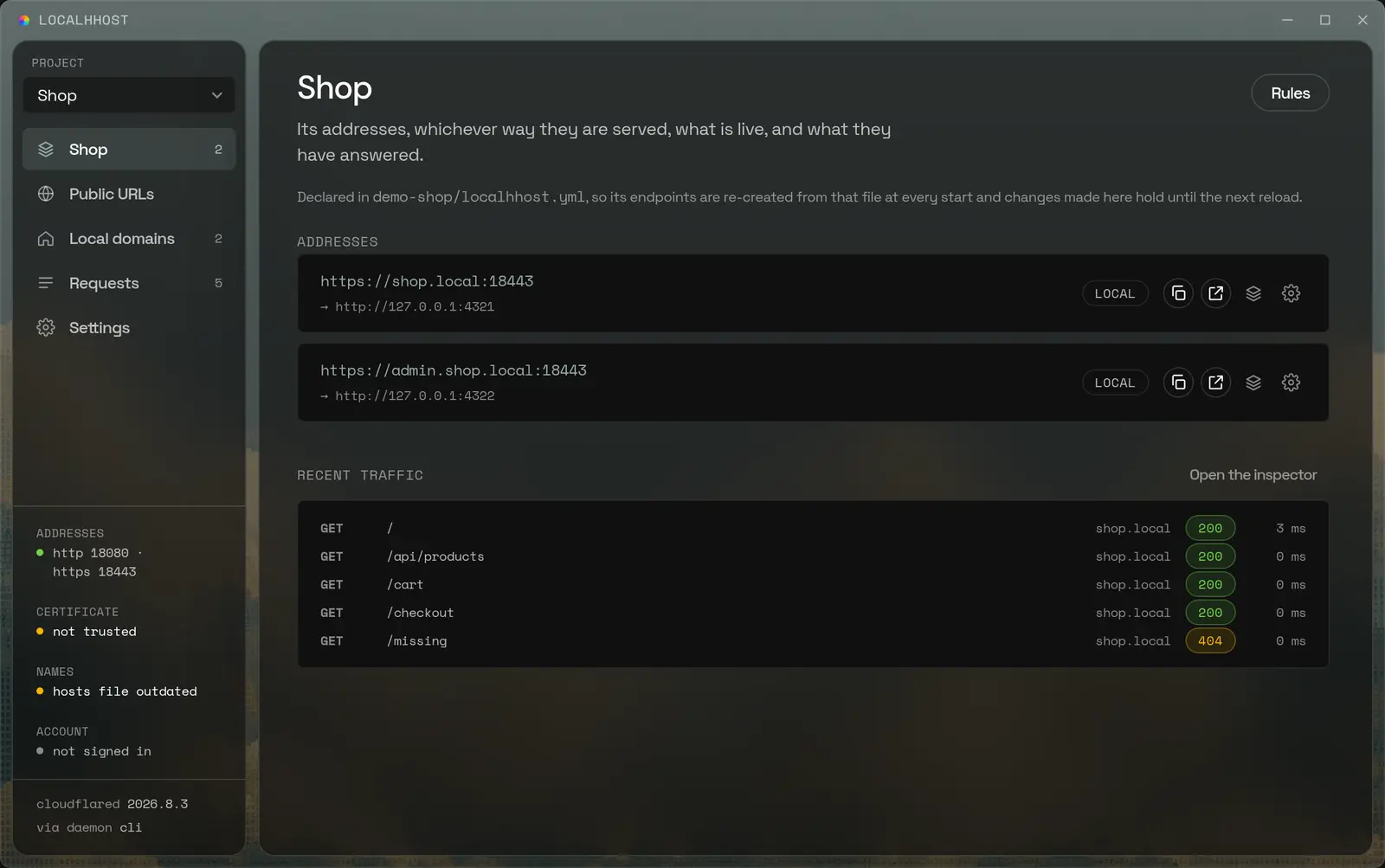
Three layers over the port you are already listening on. Take one, take all three.
localhhost domain add shop 3000shop.local answers over HTTPS, from this laptop and from the phone next to it. A certificate authority made on your machine signs it, so the padlock is green and nobody else ever issued anything.
localhhost tunnel 3000An https address anyone on the internet can open, pointed at a port on this machine. Instant ones are free and change on every start; sign in and the name stays put across restarts.
localhhost traffic --followEvery exchange that went through either, with its headers and its bodies, the endpoint that served it and which side of the wire it came from. Replay one, or freeze a few into a page you can send.
A tunnel is the part everyone knows about. It is also the part that leaves the most out.
shop.local resolves on the Wi-Fi with the internet unplugged. Your phone opens it over HTTPS with nothing installed on it.
Exchanges live in memory on this machine. There is no dashboard to log into, no retention window, and nothing to lose when a plan ends.
A password, a list of allowed IPs, a secret link — applied by the proxy before a request ever reaches your code.
A project holds its domains and its URLs together, lends them all the same rules, and starts or stops them in one go.
Vite, Next, Django, Rails, anything on a port. Localhhost never asks what it is.
The same address opens on any device on the Wi-Fi, over HTTPS, with no configuration on it.
Stripe, GitHub and the rest reach a public URL, and every delivery is recorded and replayable.
A CLI does everything the window does, and an MCP server lets a coding agent drive it.
The proxy, the certificate authority and the recorded traffic are all local. Nothing is uploaded unless you press share, and a public URL exists only while you keep it running.
Made on this machine, installed once, never leaves it.
Exchanges live in memory here, not in anyone's cloud.
Password, allowed IPs and a secret link, enforced in front of your server.
One desktop app. No telemetry. Your development traffic stays under your control.
Version 0.1.1. Free, and it updates itself.
macOS is not built yet. Leave an address and you will get one email when it is.